
The event booking CRM for stylists and florists.
You make the room look like the photos. 1pm sends a proposal that sells your style and a quote the client can add to, takes the deposit, collects the palette and the inspiration photos, and gets your team in and out of the venue on time.
Professional plan, from $20/month. 30-day free trial. No credit card.
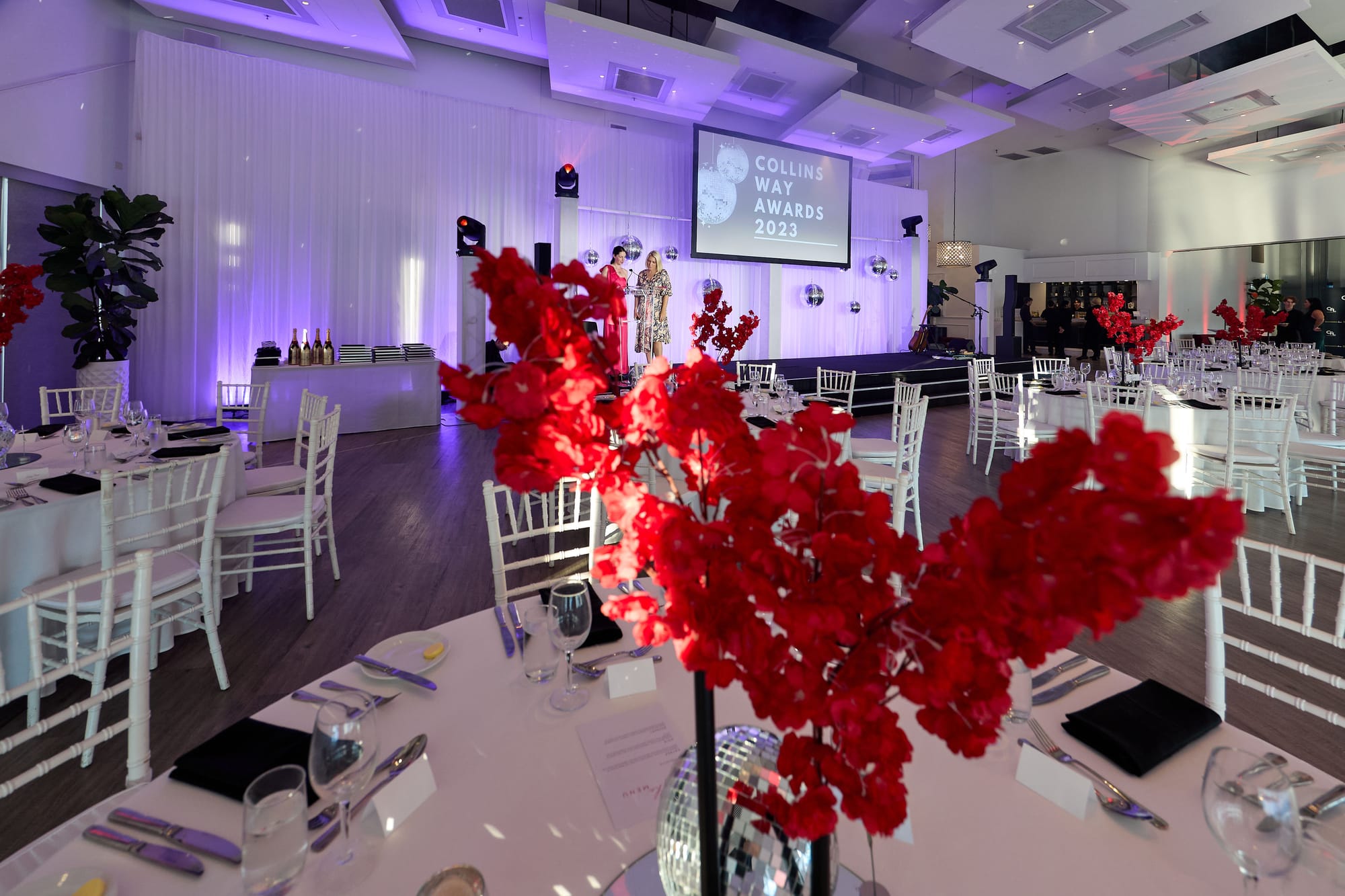
Built for a business that sells a look
A stylist or florist sells something the client can picture before it exists. The quote is a long list of small things (centrepieces, an arbor, aisle flowers, candles, hire pieces), and the client adds to it and takes away from it right up to the final numbers.
Then the work happens in someone else's building, inside a window the venue sets. Your team needs to know which door to use, when they can get in, and when every vase has to be back in the van.
A proposal tool, a payments app, a folder of screenshots and a text thread with your installers each hold one piece of that. 1pm holds all of it on one booking, from the first email to the final invoice.
Built for event florists, wedding florists, event stylists, prop and styling hire, balloon and installation artists, and tablescape designers.
Sell the look while they are still excited
A client who has just fallen for your work wants to see what it would cost for their event, today. A proposal that looks like you, and a quote they can play with, keeps them from asking anyone else.
A proposal that looks like your work
Build a proposal template once, with your logo, your words and the quote. Send it to each client as a branded web page at a private link, with no PDF to re-export when a detail changes.
Help: ProposalsYour arrangements and hire pieces, priced once
Save each arrangement, installation and hire piece as an item with its price, tax and a photo, and the client sees the photo beside the line on their quote. Mark a per-guest item as per head and its quantity follows the guest count. Bundle a whole look into a package and add it in one click.
Help: Your items catalog and packagesExtras they can add themselves
Offer the ceremony arbor or the aisle flowers as optional lines, and let the client choose between 8 and 15 centrepieces. The total updates as they go, and what they accept is what gets billed.
Help: Letting a client adjust a quoteAuto Reply that checks you are free
Before 1pm replies to a new lead, it checks every booking you hold on that date. If you are free, the client gets your reply and your price guide within the hour. If not, nothing sends and you are told why.
Help: Auto Reply to new leadsSigned and paid before you order a stem
Flowers and hire pieces cost you money before the event happens. The booking is not confirmed until the client has agreed to your terms and paid.
Accept, agree and pay on one page
The client accepts the quote, agrees to your terms by typing their name, and pays the deposit, all at one private link with no login. A second client cannot accept a quote that clashes with a job you already hold.
Help: Event confirmationsTerms that stay as they were agreed
Keep your terms in a library, with a separate version for hire-only jobs if you need one. Each booking keeps the exact wording the client agreed to, even after you change it.
Help: Your terms and conditions libraryDeposits, balances and card payments
Bill the deposit and the balance as separate invoices. Take card payments through your own Stripe account with no platform fee, or record a bank transfer, and send invoices to Xero.
Help: Deposits and balancesChase the client who stopped halfway
Automations can email a client a set number of days after they accept a quote without signing, or sign without paying. Every client email waits 24 hours for you to check it before it sends.
Help: Chasing a lead that goes quietThe palette, the pictures and the venue rules
Colours, inspiration, final numbers, and the loading dock at a venue you have never worked at. Ask once, and the answers arrive on the booking.
Your questionnaire, asked for on booking
Save your questions once as a request pack: the colour palette, up to five inspiration photos, flowers they dislike, the number of bridesmaids. Link it to a lead type and every booking of that type asks the client for it.
Help: Client questionnaires and surveysFinal numbers, asked for on schedule
Build an automation that emails the client a set number of days before the event, such as a reminder that the final table count is due. Every client email waits 24 hours for you to check it before it sends.
Help: AutomationsEach venue saved once
Save a venue you work at as a Space, with its address, loading dock and parking notes, and floor plans. Every booking there carries them, so your installers know which door to use.
Help: Spaces: saving and reusing venuesThe install window on every booking
Put the venue's access from and vacate by times on the booking. Your team sees when they can start setting up and when the room must be clear, next to the run of show.
Help: Access From and Vacate ByDeliver, install and pack down on time
Collect from the wholesaler, load the van, install before doors, flip the ceremony for the reception, pack down after the last dance. Your team works from one timeline.
Each installer sees their own items
Share the run of show with every member of your team, with no login. Their items are highlighted, and when a time moves, every open link updates within seconds.
Help: Sharing the live linkA private note for each installer
Write each person a brief that only they see on their link: their call time, which pieces they are carrying, where to park the van. Everyone else sees the shared briefing.
Help: Personal notes for each crew memberYour install checklist, ticked on site
Send an installer a checklist from your workflows, such as your pack-down procedure. They tick each step on their link, and you see how far along they are without calling.
Help: Sending a checklist to crewStill works with no reception
Marquees, vineyards and basements often have no signal. Open the link once beforehand and the run of show still loads on the day. Items ticked off while offline sync when the connection returns.
Help: Working offline at the venueEverything on this page is on Professional
$20 a month, or $192 a year.
Someone in the studio needs their own login? Each extra user is $4 a month.
Questions from stylists and florists
Yes. 1pm is a CRM for event stylists and florists: leads, proposals with your photos, quotes the client can add to, deposits and invoices, then the palette and inspiration collected from the client and a run of show covering delivery, install and pack-down for your team.
No. The items catalog prices your hire pieces on quotes and invoices, but it does not count how many you own or which ones are out. Keep your stock where you track it today.
No. Each installer opens their run of show, notes and checklist from a private link with no login.
Yes. Share a link with anyone who needs it, with no login. They see the run of show, and it updates when you change a time.
No. The client opens their proposal, quote, terms and questionnaire from private links, with no login and no password.
Yes, 30 days with every feature, and no credit card.
Every feature, for every kind of business, is on the features page.
Sell the look. Install on time.
30-day free trial. No credit card.