
The event booking CRM for photographers.
Couples book you to capture photos, which is the fun part, but much of the job is repetitive admin. 1pm answers new leads from the form on your website with a quote for dates you are free, while you're working. It gets the agreement signed and the deposit paid, and collects the family group photo list. It reminds the couple to book their pre-wedding consultation through appointments, and shares the live photography run of show.
Professional plan, from $20/month. 30-day free trial. No credit card.
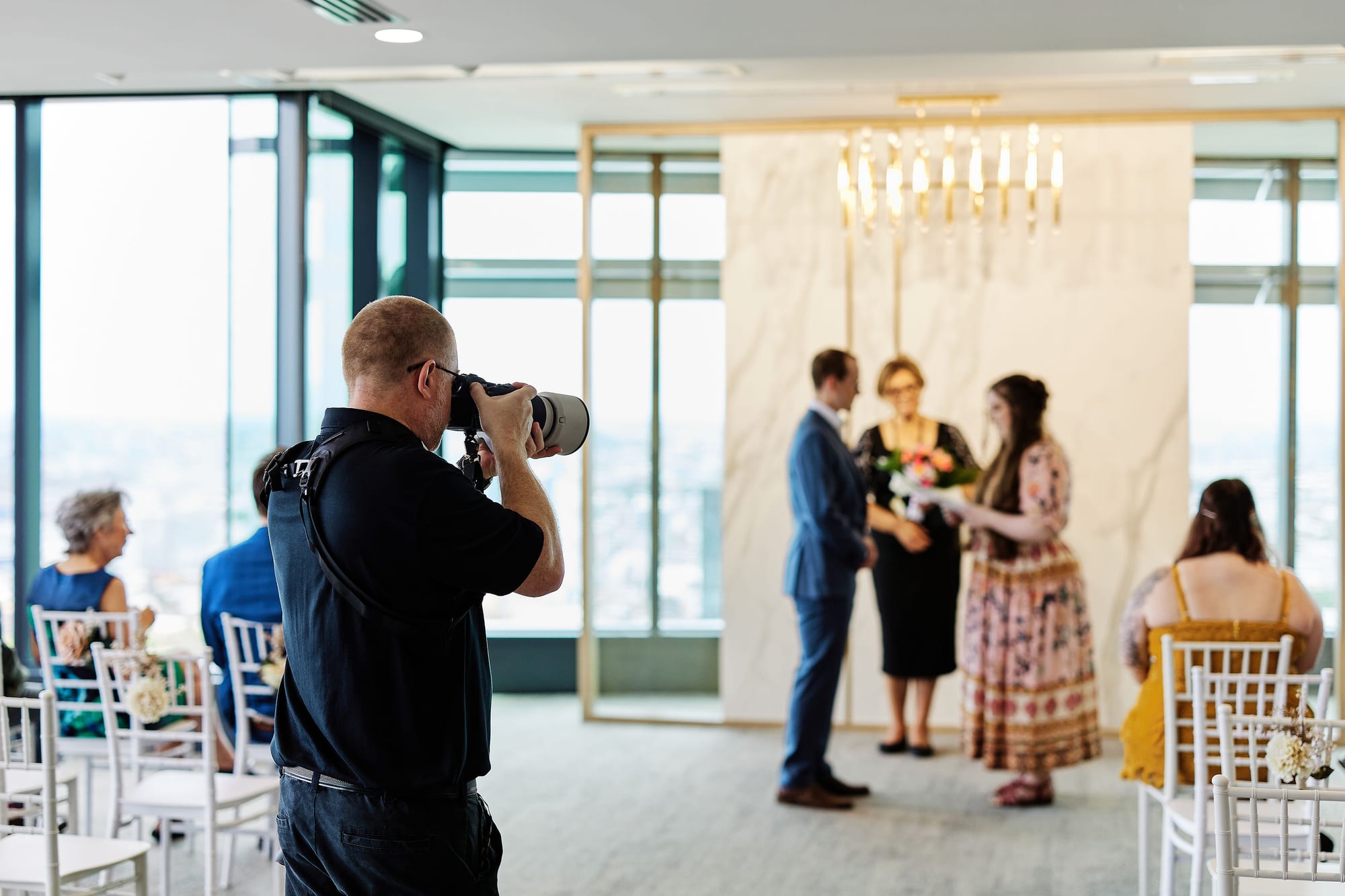

“I was a wedding and events photographer for 11 years, so 1pm was built to help me book more weddings, save hours of admin every day, and provide an exceptional and seamless client experience throughout the booking and planning process. 1pm is literally the event booking CRM designed by a wedding photographer, for event professionals.”
Built for a business where the timeline is the job
You shoot one wedding a day, booked about 12 months out. So every lead is the same question: are you free on the 14th? And the couple is your client for eighteen months, not one afternoon.
You do not own the venue, and the day moves: getting ready at the hotel, the ceremony in a garden, the reception in a barn. The run of show is where you plan all the details, the family formals and the portrait window, and the planner, celebrant and the band all end up using it.
A booking and calendar tool, an e-signature app, a questionnaire and a timeline spreadsheet each hold one piece of that. 1pm holds all of it on one record per couple, from the first email to final payment.
Built for photographers who shoot weddings, elopements, engagement sessions, corporate events, conferences, and parties and celebrations.
Reply to the lead before the next photographer does
Couples email two or three photographers at once, usually while you are shooting someone else's wedding. The first real answer, with a price, often gets the booking and certainly the first chance to impress.
Auto Reply only on dates you are free
Before 1pm replies to a new lead, it checks every booking you hold on that date. If you are already shooting, nothing sends and you get a notification naming the clash. If you are free, the couple has your reply within minutes.
Help: Auto Reply to new leadsA lead type for each kind of shoot
Set up Wedding, Elopement, Engagement and Corporate event as separate lead types, each with its own form fields, reply and terms. One form on your website can offer them all with a dropdown.
Help: Capturing leads with a formEvery email with the couple in one thread
Reply from the Leads inbox, or answer the notification email from your phone, and it lands in the same thread. Save your usual replies as templates that fill in the first name and the wedding date.
Help: Replying to leadsFollow-ups that remember for you
Put a date on a lead and note what the chase is for. It appears on your Follow-ups tab on the day, next to the leads that have gone quiet with nothing scheduled.
Help: Following up on leadsWhat the couple receives
This is a real Auto Reply from our founder's wedding photography business. It went out a few minutes after the couple filled in his website form, because the date was free.
It greets them by name, confirms their date, links to book a chat, and attaches his brochure. The View your quote link at the end opens a quote they can adjust and accept.
Show them the day before they book
A quote tells the couple what you cost. A live run of show next to it with the draft timeline makes their day come to life, and that is often what gets the yes. You can build that timeline two ways: in 1pm in the event portal, or free in You're up! while the job is still a lead.

You're up! is a separate run of show builder at youreup.co. Building a sheet, sharing it and letting a couple adopt it are free, and 1pm only ever asks for the read-only share link.
A timeline beside your quote
Build a run of show in You're up! for free and paste its share link onto the lead. The couple reads your quote on one side of the page and the shape of their day on the other. Change a time and their page shows it, with nothing to re-send.
Help: Add a You're up! run of show to the booking portalThe couple can adopt it
One button gives the couple their own copy. The rows they adopt stay linked to yours, so when you move the portraits, their copy moves too. They add rows of their own, such as hair and makeup, and send it to their celebrant, venue and band.
Help: Why event pros use a You're up! run of showOr build the run of show inside 1pm
1pm has its own run of show, built in the event portal once the couple has said yes, and it sits with the rest of the job. Your second shooter gets a link filtered to their own items, the couple gets a link that updates within seconds when you move a time, it still loads at a venue with no signal, and you can save a full wedding day as a template for the next one. Reach for the You're up! sheet when there is no booking yet, or when the couple needs a copy of their own to send to their other suppliers.
Help: Run of show basicsLock in the date with a deposit
A Saturday you have promised is a Saturday you cannot sell again. The booking is not confirmed until the couple has agreed to your terms and paid.
A proposal that sells your packages
Build a proposal template once, with your logo, your words and the quote. Send it to each couple as a branded web page at a private link, with no PDF to re-export when a detail changes.
Help: ProposalsAlbums and wall art they can see
Save each album, print size and framed piece as an item with its price and a photo. The couple sees the photo beside the line on their quote and can tap it to see it large. The same photo shows on the invoice when they add an album after the wedding.
Help: Your items catalog and packagesAccept, agree and pay on one page
The couple accepts the quote, agrees to your terms by typing their name, and pays the retainer, all at one private link with no login. Each booking keeps the exact version of the terms they agreed to.
Help: Event confirmationsDeposit and balance, billed separately
Bill the deposit and the balance as separate invoices. Take card payments through your own Stripe account with no platform fee, or record a bank transfer. Couples can pay in full instead, or keep a card on file for the balance.
Help: Deposits and balancesA booking portal and an event portal
Every couple gets two private pages. The booking portal holds their quote, agreement and invoices. The event portal holds the run of show, your requests and the files for the day. Neither needs a login.
Help: Your booking portal and your event portalGet everything from the couple without chasing
The family groups, the getting-ready address, the coordinator's number, the pre-wedding consultation. Ask once, and it all arrives in the event portal.
The family photo list, asked for on booking
Save your questions once as a request pack: the family groups, the must-have shots, the getting-ready address, the coordinator's number. Link it to the Wedding lead type, and every wedding booking asks the couple for it in their event portal.
Help: Request packsTheir answers land in the event portal
Tick Save the answer onto the booking on a question, and the couple's answer lands in the booking's event brief, next to the rest of the wedding details. Only the couple sees that question.
Help: The event briefA reminder to book the pre-wedding consultation
Build an automation that emails the couple a set number of days before the wedding, with a button to your booking page. Every client email waits 24 hours for you to check it before it sends.
Help: AutomationsConsultations they book themselves
Publish a booking page with the times you take consultations, in person, by phone or over video. Couples pick a slot and get a confirmation with a reschedule and cancel link, and a consultation never blocks a wedding date.
Help: Appointments and the booking pageOne live timeline on the day
Getting ready, first look, ceremony, family formals, golden hour, speeches. Your second shooter, the planner and the couple all work from the same times.
Your second shooter's own link
Add your second shooter to the booking and they get a private link to the run of show, with their items highlighted. Put the shot list in each item's details, and the timeline doubles as the shot plan.
Help: Sharing the live linkThe couple sees the same times
Give the couple their own link to the run of show. When the ceremony starts 15 minutes late and you move the items, every open link updates within seconds. It also links back to their booking to pay the balance.
Help: Sharing the run of show with your clientStill works with no reception
Barns, vineyards and beaches often have no signal. Open the link once beforehand and the run of show still loads on the day. Items ticked off while offline sync when the connection returns.
Help: Working offline at the venueYour full-day timeline as a template
Save a wedding that ran well as a template. The next couple's booking starts with the same timeline, details and all, re-anchored to their date.
Help: Event templatesEverything on this page is on Professional
$20 a month, or $192 a year.
An associate or a studio manager needs their own login? Each extra user is $4 a month.
Questions from photographers
Yes. 1pm is a CRM and studio management software for wedding and event photographers: leads, quotes, agreements, retainers and invoices, the family photo list collected from the couple, plus the wedding day timeline shared live with your second shooter and the couple. It does not host galleries or sell albums.
Yes. Set up a lead type for each, with its own form fields, reply, terms and request pack. A corporate lead gets the corporate reply, and a wedding lead gets the family photo list.
No. Your bookings do not need a Space, and without one Auto Reply checks every booking you hold on the date, which is right when you are the one being booked. You only need a Space for the public booking page. Name it Consultations, then set Default Space to No default in your account profile, so new leads do not land in it.
You're up! is a separate run of show builder at youreup.co. Building a sheet, sharing it and letting a couple adopt it are free. You paste the share link onto the lead in 1pm, and the couple reads it beside your quote.
No. They open the run of show from a private link with no login. Regulars can bookmark it, one link that lists every booking you have put them on.
No. The couple or client opens their quote, agreement, invoices, requests and run of show from private links, with no login and no password.
Yes, 30 days with every feature, and no credit card.
For the whole workflow from lead to final invoice, read a wedding photographer walkthrough. Every feature is on the features page.
Book more weddings. Do less admin.
30-day free trial. No credit card.