
The event booking CRM for private chefs.
You write the menu, do the shopping, cook in a stranger's kitchen and send the invoice, often on your own. 1pm answers the lead with a per-head quote on nights you are free, costs the menu before you send it, gets the allergies and the deposit before you shop, and keeps each client's gate code for next time.
Hospitality plan, from $40/month. 30-day free trial. No credit card.
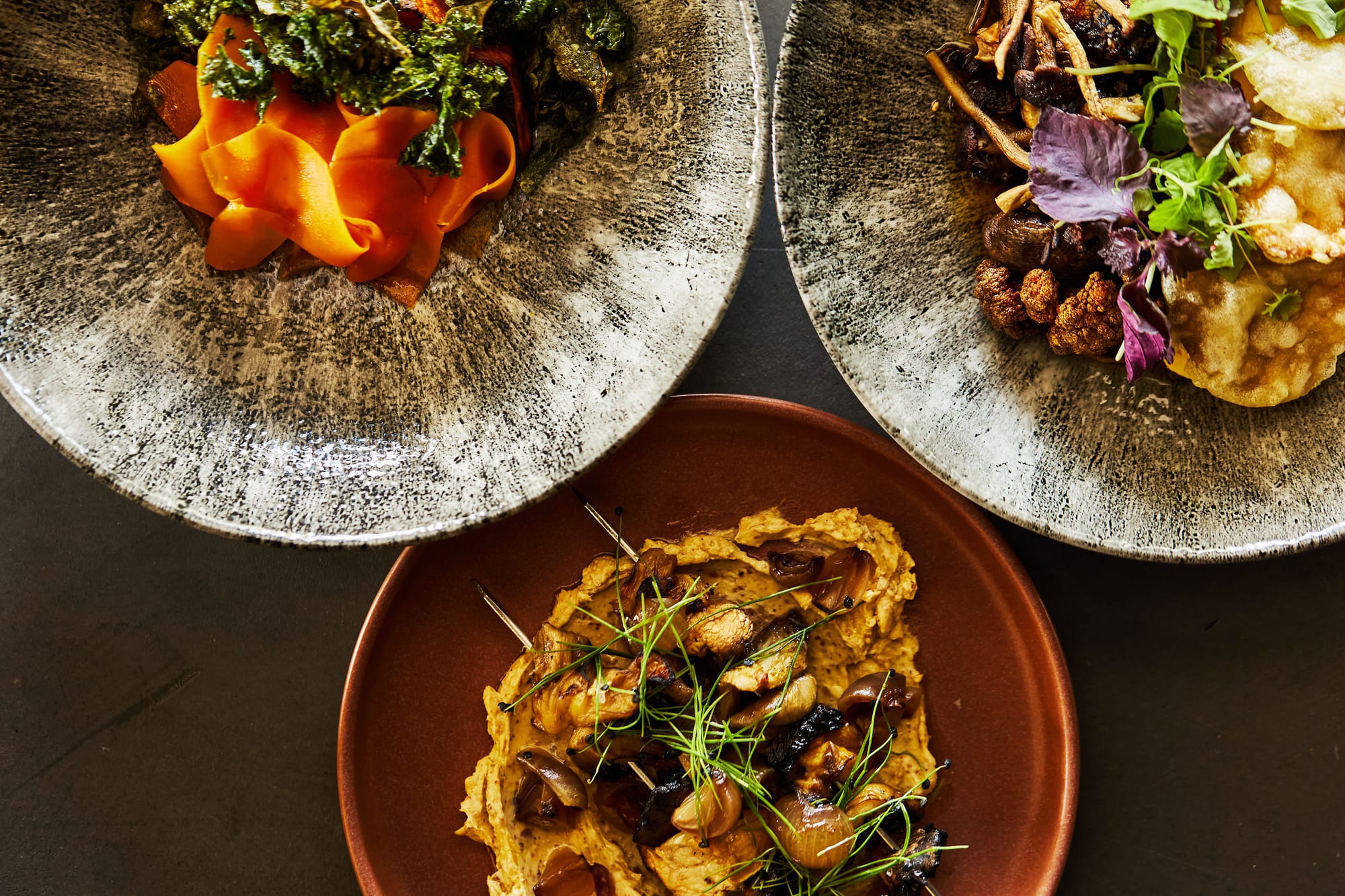
Built for a chef without a kitchen of their own
A restaurant cooks one menu for whoever walks in. You cook a different menu for every client, in a different kitchen, for eight guests or for a week. The price is per head, the shopping is on you, and one missed allergy is the whole evening.
Most of the job happens before you pick up a knife. Answering the lead, writing and pricing the menu, chasing the final numbers and the dietaries, finding out where to park and what the oven is like, taking the deposit. When you work alone, that admin comes out of your evenings.
1pm's Hospitality plan puts the menu, its costing, the client's answers and the house notes on the same booking as the lead, the quote and the invoice, so the numbers you quoted are the numbers you shop for.
Built for private chefs cooking dinner parties at home, villa and chalet stays, yacht charters, retreats, milestone birthdays, and small wedding dinners.
Answer the lead while you are cooking someone else's dinner
New leads arrive at seven in the evening, which is exactly when you are plating mains for somebody else. The chef who replies first with a date and a price per head is usually the one who gets the booking.
Auto Reply only when you are free
Before 1pm replies to a new lead, it checks every booking you hold that day. If your form asks for times, a lunch does not clash with a dinner. If you are already cooking, nothing sends and you get a notification naming the clash.
Help: Auto Reply to new leadsA lead type for each kind of job
Set up Dinner party, Villa week and Cooking class as separate lead types, each with its own form fields, reply and terms. One form on your website can offer them all with a dropdown.
Help: Capturing leads with a formA per-head quote the client can adjust
Let the client move the guest count inside the range you set, and every per-person line rescales. Offer wine pairing as an optional extra, or three courses or five as a choice. What they accept is what you bill.
Help: Letting a client adjust a quoteSample menus on your website
Publish a menu as a page your website can link to or embed. Change a dish or a price in 1pm and the page shows it straight away, with no PDF to upload again.
Help: Publishing a menu or price list onlineKnow about the nut allergy before you shop
The host mentions a coeliac guest on the doorstep, or the oven turns out to be a two-ring hob. Ask the questions once, when the booking is made, and the answers arrive on the booking.
A questionnaire sent on every booking
Save your questions once as a request pack: final numbers, allergies by name, the occasion, the oven and the hob, a photo of the kitchen. Link it to a lead type, and every booking of that type asks the client in their event portal.
Help: Client questionnaires and surveysThe client describes the evening
Ask the host what the dinner is for and who is coming, and their answer lands on the booking and prints at the top of your kitchen sheet. The questions are marked client only, so your assistant never sees them.
Help: The event briefDietary totals, and each guest by name
Turn on dietary collection and each guest picks from your list on their own link, or you record what the host tells you. Your kitchen sheet adds up the totals, and a free-text note carries a severe allergy word for word.
Help: Collecting dietary requirementsA reminder to confirm the final numbers
Build an automation that emails the client a set number of days before the dinner, asking for final numbers and any late dietaries. Every client email waits 24 hours for you to check it before it sends.
Help: AutomationsWalk into a kitchen you have never seen
Every job is in someone else's house. Save what you learn about it the first time, and the next booking there starts with the gate code, the parking and the oven that runs hot.
Each client's home, saved once
Save a home, villa or yacht as a Space with its address, access and parking notes, the house manager's number and photos of the kitchen. Every later booking there carries it all.
Help: What a Space isYour kitchen sheet, printed
Service style, guest numbers, the menu with its dietary codes, the allergy notes and the times, on one page. Print it and take it into the kitchen with you.
Help: The BEO or function sheetA run of show your assistant can open
Plan the evening from arrival to clear-down, and give your sous chef or server a private link with the address, the access notes and their own items. It needs no login and updates within seconds when you move a time.
Help: Sharing the live linkStill works on a yacht
Villas, chalets and boats often have no signal. Open the link once beforehand and the run of show still loads on the day. Items ticked off while offline sync when the connection returns.
Help: Working offline at the venueDeposit first, shopping second
A private dinner means buying the ingredients before the night. Take the deposit before you spend your own money on the lobster.
Accept, agree and pay on one page
The client accepts the quote, agrees to your terms by typing their name, and pays the deposit, all at one private link with no login. Each booking keeps the exact version of the terms they agreed to.
Help: Event confirmationsDeposits, balances and a card on file
Bill the deposit and the balance as separate invoices. Take card payments through your own Stripe account with no platform fee, or record a bank transfer. A client can save a card for you to charge the balance.
Help: Deposits and balancesA week at the villa on one agreement
Group every dinner of a week-long stay into a Program. The client signs once and pays one deposit, and each night keeps its own menu, guest count and run of show.
Help: ProgramsWhat a regular has spent with you
Open a client's Money tab to see how many bookings they have made, what they have paid and what they still owe, before you price their next dinner.
Help: What a client has spent with youEverything on this page is on Hospitality
$40 a month, or $384 a year. Each extra user is $4 a month.
No need for menus or recipe costing? Professional has everything else on this page, at $20 a month. Cooking for 200 with a team in the kitchen? See caterers.
Questions from private chefs
Yes. 1pm is private chef booking software with the CRM built in: it answers the lead with a per-head quote on nights you are free, costs the menu, collects allergies and the deposit, and keeps each client's kitchen notes on the booking.
No. Most of the work is done by the setup you do once: your lead types, your replies, your questionnaire and your recipes. After that, a new booking is the client, the date, the guest count and the menu.
Save the ones you cook in more than once, so the address and access notes come back on the next booking. Then set Default Space to No default in your account profile. A lead with no Space makes Auto Reply check every booking you hold that day, which is right when you are the one being booked.
Save one of their bookings as a template. The next one starts with the same timeline, client, Space and kitchen sheet details, re-anchored to the new date. Attach that week's menu from your library.
No. They open the run of show from a private link with no login. If they need to build menus or answer leads with you, share your account with them: each extra user is $4 a month.
Yes. Import bookings from a calendar (.ics) file and choose the status they arrive as. Leads you are still working can come in from a CSV file, which sends no emails and starts no automations.
Yes. Help with questions and problems is free on every plan. If you want the setup done with you, expert help is paid one-to-one time on a video call: with your permission we sign into your account and build your menus, recipe costing, lead forms and quotes alongside you. It comes in blocks of 1, 3 or 6 hours, from $125 an hour.
Yes, 30 days with every feature, and no credit card.
For a worked example of costing one dish, read a recipe costing walkthrough. Every feature is on the features page.
Quote the menu. Cook the dinner.
30-day free trial. No credit card.