
The event booking CRM for food trucks.
Weddings, work parties, birthdays in the back garden. 1pm answers the lead on a date you are free, quotes per head or by package, keeps the site's power and parking notes on the booking, and takes the deposit before you commit the Saturday.
Hospitality plan, from $40/month. 30-day free trial. No credit card.
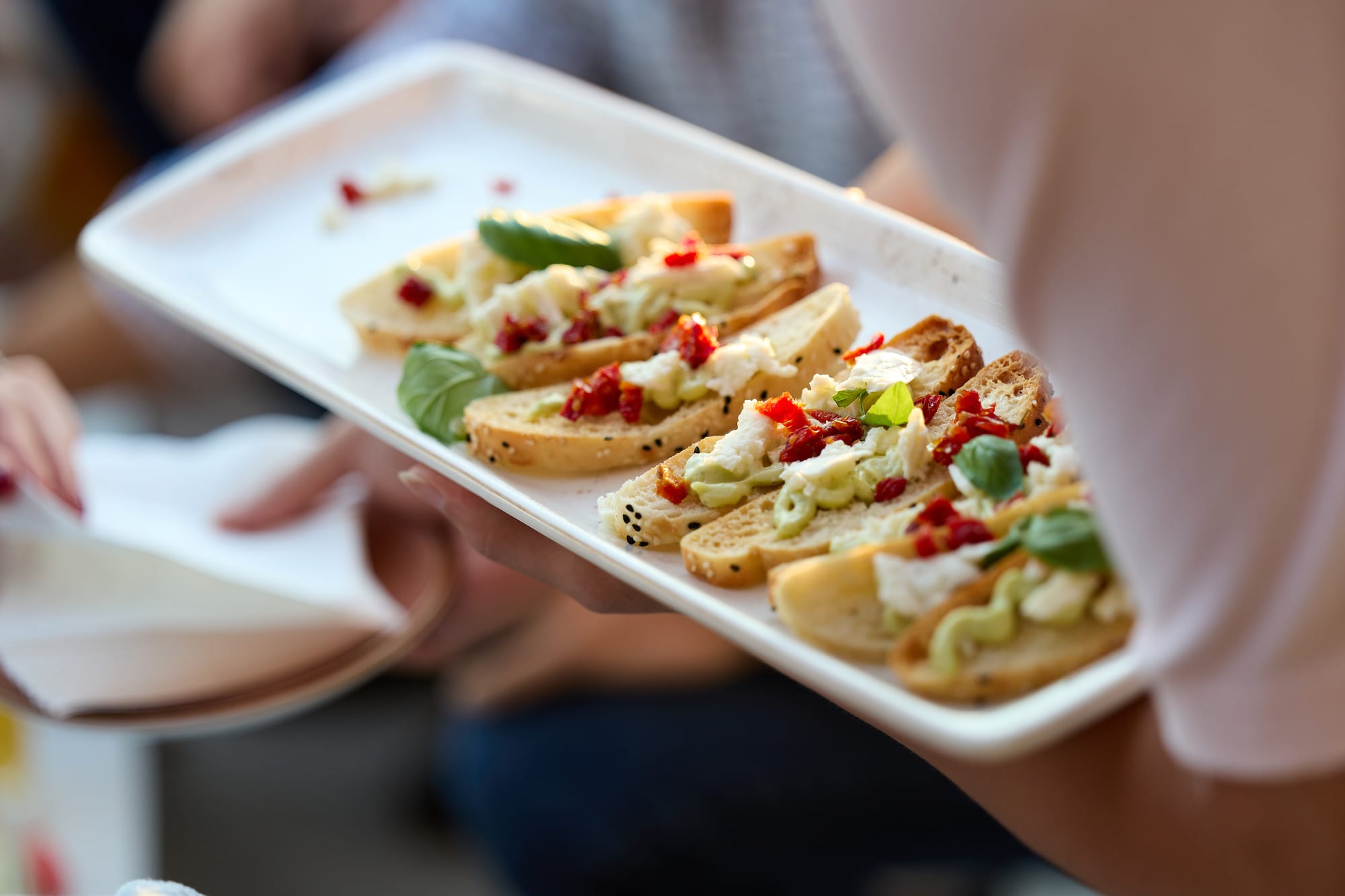
Built for a kitchen on wheels
A private booking is a different job from a market day. Someone has paid for the truck, so there is a quote, a guest count, a deposit and a balance, and the client expects an answer about the date before they ask anyone else.
Then there is the site. You need to know where the truck parks, whether there is power or you are bringing the generator, whether the ground takes the weight after rain, and what time you have to be gone. The person who knows usually is not the person who booked you.
1pm's Hospitality plan keeps the menu, the costing, the site notes and the crew's times on the same booking as the lead, the quote and the invoice, so you are not piecing a job together from a DM, a spreadsheet and your bank app.
Built for food trucks, trailers, coffee carts, mobile pizza ovens, dessert vans, and mobile caterers.
Answer the lead while you are on the hatch
Someone planning a wedding or a work party messages three trucks the same afternoon. The one that replies first with a date, a price and a menu usually gets it, and you are often mid-service when the message lands.
A lead form on your website
Put a lead form on your own site, with the date, the guest count and the kind of event. Every submission lands in your Leads inbox instead of a DM you forget to answer.
Help: Capturing leads with a formReply only on dates you are free
Auto Reply answers a new lead with your reply, your brochure and a quote attached. Before it sends, it checks your diary, so nobody is told you are free on a Saturday you already booked.
Help: Auto Reply to new leadsPackages the client picks from
Put two or three packages on one quote, such as tacos only, or tacos and churros, and let the client choose one. Give each package a photo of the food, and it sits above the package name on the quote. The total follows their pick, and only that package is billed.
Help: Letting a client adjust a quoteA per-head price that follows the numbers
Let the client move the guest count inside the range your truck can serve. Every per-head line rescales together, and the number they accept lands on the booking.
Help: Your items catalog and packagesKnow the site before you drive there
Every job is somewhere new: a park, a brewery yard, a client's back garden. Where you park, whether there is power, and what the ground is like decide whether the day goes smoothly.
Save each site once
Save a site with its address, and write the power, the ground, the parking and the gate code into its access notes. Add a site map or a photo of where the truck goes. The next job there pulls it all back in.
Help: What a Space isYour arrival window and your exit time
Set access from and vacate by on the booking: when you can pull in and set up, and when the truck has to be gone. Both print at the top of the brief your crew read.
Help: Access from and vacate byAsk the client about the site
Send the client a short questionnaire in their portal: is there power within reach, is the ground flat and hard, where can the truck park, who is the contact on the day. Save it once and add it to every booking.
Help: Client questionnaires and surveysEvery job on one calendar
See your bookings by month, week or day, coloured by status. Drag a booking to another date when a client moves theirs.
Help: The calendar at a glanceA small crew, one plan
Two or three people on the truck, sometimes a casual you have not worked with before. Everyone needs the address, the times and the menu, on their phone.
A link for each person on the job
Send each crew member a link to the day's run of show, with no login. It shows the site, the map link, the access notes and the times. Regulars keep one link that lists every job you put them on.
Help: Sharing the live linkIt still opens in a field with no signal
Once a crew member has opened their link on a connection, the run of show still loads and works without one. Anything they tick off catches up when the signal comes back.
Help: Working offline at the venueWhen the late-night slot moves
The speeches run long and the couple wants the truck open at 10:30pm, not 10pm. Move the item and every crew link shows the new time within seconds.
Help: Pushing the timeline when an item runs overFood safety certificates, with expiry dates
Ask each crew member for their food safety certificate through their own link, with the expiry date recorded. 1pm shows you which ones run out soon, so you can ask for the new one in time.
Help: Chasing expiring documentsTake the deposit, then the balance
A Saturday in June is worth holding only once someone has paid for it. The deposit and the balance come off the same booking as the quote, so there is nothing to type twice.
A deposit that holds the date
Set a deposit on the confirmation, as a percentage or a fixed amount, with a due date. 1pm works out the balance and tracks both until they are paid.
Help: Deposits and balancesCard payments or bank transfer
Take card payments through your own Stripe account with no platform fee, or record a bank transfer yourself. Send your invoices to Xero if that is where your books are.
Help: Getting paidThe reminders you never have time to send
Set a rule once and 1pm emails the client for final numbers two weeks out, reminds them the balance is due, and says thank you after the event. The reminders to finish outstanding requests start switched on. Every other rule waits until you turn it on.
Help: AutomationsYour usual job, set up once
Save a typical booking, such as a wedding with your usual run of show, crew and service details, as a template. The next one starts with the date, the client and the site, not a blank page.
Help: Event templatesEverything on this page is on Hospitality
$40 a month, or $384 a year. Each extra user is $4 a month.
No menus or recipe costing needed? Everything else here is on Professional, at $20 a month. Catering from a kitchen rather than a truck? See caterers.
Questions from food trucks
Yes, for the private event side of a food truck. 1pm is food truck catering and booking software: lead form, quotes per head or by package, deposits, invoices and the site notes for each job. It is not a point of sale and does not take orders at the window.
No. Most of 1pm is optional, and you can start with the leads, a quote and the deposit and leave the rest until you want it. Auto Reply and automations are there so the admin keeps moving while you are serving.
Yes, if you save each truck as a Space instead of each site, and rename Spaces to Trucks so the app uses your word. Two bookings on the same truck at the same time are then blocked, and a buffer holds travel time between jobs. A booking holds one Space, so in that setup the site details go in the booking's notes.
There is no separate minimum spend setting. Add it to the quote as its own line, the same way you would add a travel fee or a generator charge, and the client sees it before they accept.
No. 1pm books private and corporate jobs for a client and takes the deposit and balance for them. Sales to the public go through your own till. You can still add a festival or market day as a booking, so your calendar shows the date as taken.
Yes. Import bookings from a calendar (.ics) file and choose the status they arrive as. Leads you are still working can come in from a CSV file, which sends no emails and starts no automations.
Yes. Help with questions and problems is free on every plan. If you want the setup done with you, expert help is paid one-to-one time on a video call: with your permission we sign into your account and build your menus, recipe costing, sites and quotes alongside you. It comes in blocks of 1, 3 or 6 hours, from $125 an hour.
Yes, 30 days with every feature, and no credit card.
Every feature, for every kind of business, is on the features page.
Book the date. Know where to park.
30-day free trial. No credit card.