
The event booking CRM for venues.
You host the event and you feed it. 1pm replies to the lead on a date the room is free, quotes per head, stops a room being booked twice, and sends the kitchen a BEO built from your real menus, with the dietary numbers already added up.
Hospitality plan, from $40/month. 30-day free trial. No credit card.
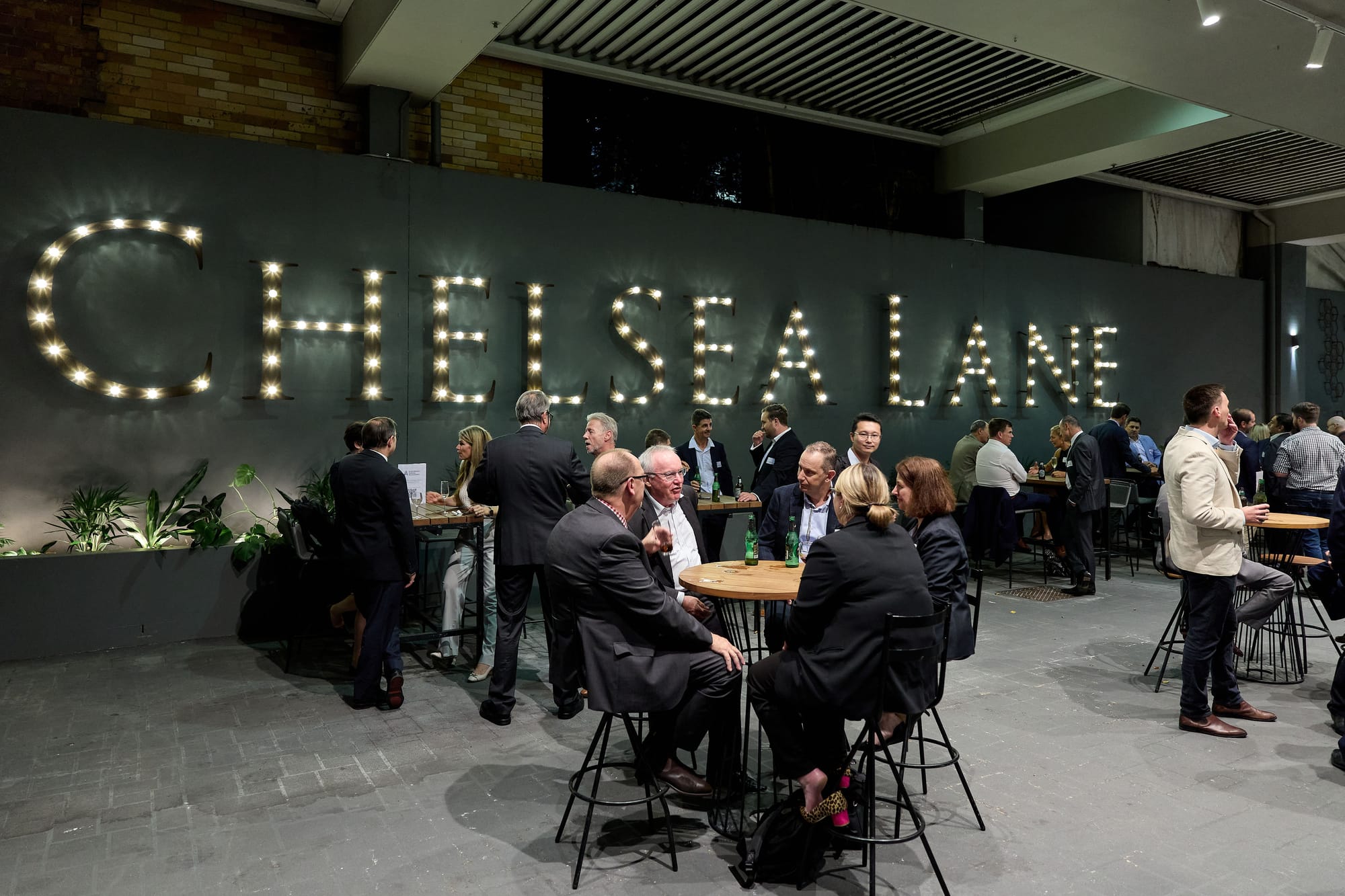
Built for the room and the kitchen
A venue sells the room and everything served in it. The events team answers leads, shows people around and prices menus per head, while the diary has to stay honest across every function room, terrace and private dining room.
Then every department needs its own brief. The kitchen wants the menu, the final numbers and the dietaries. Banqueting wants the setup. The duty manager wants the times. The client's own suppliers want to know which door to use.
1pm's Hospitality plan puts the menus, the costing and the BEO on the same booking as the lead, the quote and the invoice, so the number the client agreed to is the number the kitchen preps to.
Built for hotels, function venues, restaurants with private dining, wineries, clubs, and conference centres.
Win the function
A client planning a function writes to three venues on the same afternoon. The one that confirms the room is free, sends the menus and books a site visit first usually gets the deposit.
Reply only when the room is free
Auto Reply answers a new lead with your reply, your brochure and a quote attached. Before it sends, it checks that room on that date. The Ballroom being taken does not stop a reply for a lead the Terrace could host.
Help: Auto Reply to new leadsSite visits and tastings they book
Publish a booking page with the times you show people around, and clients pick a slot. They get a confirmation and a reminder, and a tasting never blocks the room for a real booking.
Help: Appointments and the booking pageA per-head quote that follows the numbers
Let the client move the guest count inside the range you set. Every per-person line rescales together, and the number they accept lands on the booking as pax guaranteed.
Help: Letting a client adjust a quoteYour menus live on your website
Publish a set menu or a private dining price list as a page your website can link to. Change a dish or a price in 1pm and the page shows it straight away, with no PDF to upload again.
Help: Publishing a menu or price list onlineEvery room on one diary
Each function room, terrace and private dining room is a Space with its own capacity, access notes and turnaround time. The diary checks every booking against it.
No double bookings, with turnaround time
Two bookings that overlap in the same Space are blocked, and 1pm names the one in the way. Set buffer minutes before and after on each Space, so a lunch reset is protected before a dinner.
Help: Preventing a double-booked SpaceSplit a large room into zones
Turn on concurrent bookings for a divisible room, and two bookings can share it as long as they are in different zones. A room without that switch never takes two bookings at once.
Help: Preventing a double-booked SpaceEvery room on one calendar
See bookings by month, week or day, coloured by status and filtered by Space. Drag a booking to another date, or onto another room's row to move it.
Help: The calendar at a glanceLeads land in your usual room
Set a default Space and every new lead carries it through to the booking. Run several rooms? Set it to no default and pick the room on each lead.
Help: A default Space for new leadsBrief the kitchen from the real menu
The kitchen needs the menu, the numbers and the dietaries. Banqueting needs the setup. The duty manager needs the times. One BEO carries all of it, built from the booking.
A BEO every department reads
Service style, setup style, pax guaranteed, bar package, AV notes, access from and vacate by, all on the booking. Print it for the morning briefing, or let each team read it on their link.
Help: The BEO or function sheetMenus built once, used on every booking
Build each menu as courses and dishes, priced per head or by the dish. Attach it to a booking and it appears on the BEO, the client confirmation and the bill. Print it as a menu card for the table.
Help: Food and beverage menusDietary numbers for the kitchen
Turn on dietary collection and each guest picks their requirements from your list. The BEO totals them up, and the printed run of show lists them guest by guest.
Help: Collecting dietary requirementsKnow what a plate costs
Cost your ingredients and recipes, and see plate cost, food cost percentage and margin on every menu. 1pm flags any menu running above your target, and clients never see the numbers.
Help: Plate cost, food cost and marginRun the function to the minute
Your own team and the client's suppliers work from the same times, and outside suppliers hand over their paperwork before they walk in.
A live run of show for the day
Share the timeline with your team, the client and every supplier, with no login. Each person sees the items that are theirs, and when a time moves, every open link updates within seconds.
Help: Sharing the live linkPush the times when speeches run long
When the speeches run 20 minutes over, 1pm flags the clash with the next item. One tap pushes mains, or every item after it, and the kitchen's link shows the new times.
Help: Pushing the timeline when an item runs overSupplier insurance before load-in
Ask the client's florist, band and AV company for their public liability certificate or signed venue rules through their own link, with expiry dates tracked. Save the set as a request pack for every booking.
Help: Request packsThe room's details on every booking
Save each Space with its address, loading dock and parking notes, and floor plans. Every booking in that room carries them, with the access from and vacate by times, onto each supplier's link.
Help: Access From and Vacate ByGet paid, and see which rooms earn
The bill comes off the same booking the kitchen worked from, so there is nothing to re-key.
Your service charge, on every bill
Set your standard service charge once, as a percentage or a fixed amount, and it fills in on every new document. Leave it off a line, such as equipment hire. Gratuities stay separate and are never taxed.
Help: Service charges and gratuitiesDeposits, balances and card payments
Bill the deposit and the balance as separate invoices. Take card payments through your own Stripe account with no platform fee, or record a bank transfer, and send invoices to Xero.
Help: Deposits and balancesA whole weekend on one agreement
Group the welcome drinks, the wedding and the recovery brunch into a Program. The client signs once and pays one deposit, and each day keeps its own BEO and menu.
Help: ProgramsHow hard each room works
The Space utilization report shows bookings, days in use, how full each room ran against its capacity, and revenue, including rooms sitting idle.
Help: ReportsEverything on this page is on Hospitality
$40 a month, or $384 a year. Each extra user is $4 a month.
No kitchen, and the food comes from outside? Event spaces are on Professional, at $20 a month. A hotel or a restaurant? See hotels or restaurants.
Questions from venues
Both. 1pm is venue management software and function booking software with the CRM built in: leads, quotes, deposits and invoices on one side, and each room's diary, the BEO, menus and the run of show on the other. You do not need a separate CRM next to it.
Not quite. The event spaces page is written for you, and everything on it is on Professional ($20 a month). Hospitality adds the menus, recipe costing and kitchen reports a venue with its own kitchen uses.
Yes. Add the caterer to the booking and they get their own link with the run of show, the access times and the documents you need back from them. They do not need an account.
No. 1pm books functions and events in your Spaces. Accommodation stays in your property system, and your dinner service stays in your reservations system. If you run conference and banqueting at a hotel, or private dining at a restaurant, the hotels and restaurants pages are written for you.
Yes. Import bookings from a calendar (.ics) file and choose the status they arrive as. Leads you are still working can come in from a CSV file, which sends no emails and starts no automations.
Yes. Share your account with the people who work with you, and each extra user is $4 a month. They get the same menus and costing tools as you.
Yes. Help with questions and problems is free on every plan. If you want the setup done with you, expert help is paid one-to-one time on a video call: with your permission we sign into your account and build your menus, recipe costing, spaces and quotes alongside you, then train your events team and your chef. It comes in blocks of 1, 3 or 6 hours, from $125 an hour.
Most venue software is sold by a sales team that follows every demo with calls, a custom proposal and a negotiated annual contract, and that cost ends up in the price. We are happy to show you 1pm on a call, but nobody chases you afterwards and there is no proposal or contract to negotiate. There is no setup fee, the published price is the price everyone pays, and it is per account, not per venue or per room. It is not a cut-down version: leads, quotes, deposits, invoices, BEOs, menus and the live run of show are all included.
Yes, 30 days with every feature, and no credit card.
Every feature, for every kind of business, is on the features page.
Book the room. Brief the kitchen.
30-day free trial. No credit card.