
The event booking CRM for AV and production companies.
You make the event look and sound the way the client imagined it. 1pm quotes the gear from your saved price list, gets the agreement signed and the deposit paid, briefs every tech you put on the job, and shares one live run of show with the crew, the planner and the client.
Professional plan, from $20/month. 30-day free trial. No credit card.
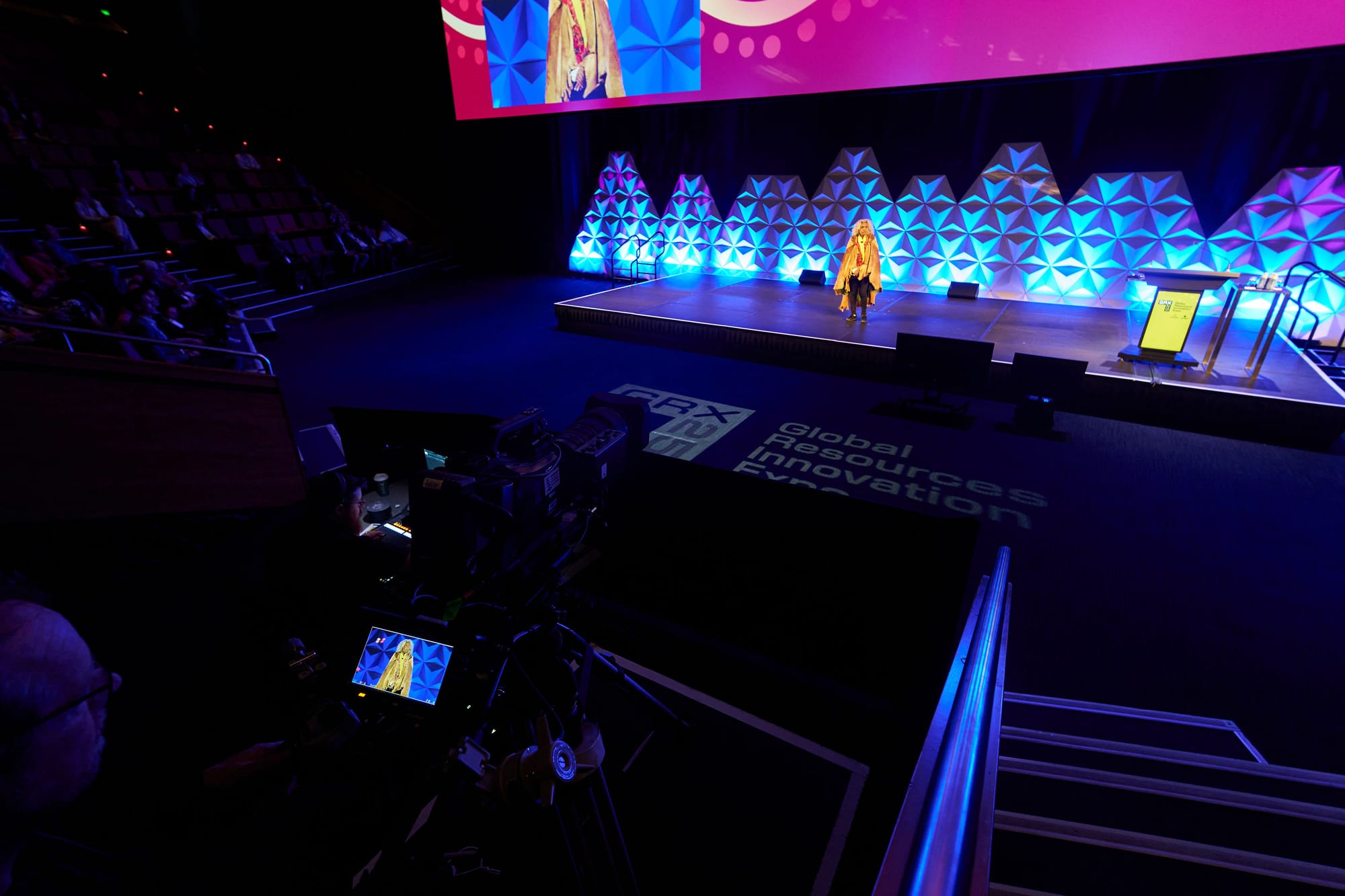
Built for the crew behind the desk
An AV company sells kit and the people who run it. The quote is a long list of line items, the client is often a planner or a venue working for someone else, and a conference can run three days with a build day either side.
Then the job needs a crew: engineers, operators and stage hands, many of them freelancers, each with their own call time and their own licence to keep on file. On the day, AV is the department that runs to the clock. When a speaker runs long, every cue after it moves.
A quoting tool, a spreadsheet of crew, a folder of certificates and a run of show in a shared document each hold one piece of that. 1pm holds all of it on one booking, from the first email to the final invoice.
Built for AV, lighting, staging and production companies that work conferences, gala dinners, product launches, award nights, concerts and festivals, and weddings.
Quote the job while the brief is fresh
A planner asking for AV is usually asking two other companies too. The quote that arrives first, itemised and easy to adjust, gets the first conversation.
Your gear list, priced once
Save each piece of kit and each crew role as an item with its price and tax. Bundle them into packages, such as a stage PA and lectern package, and one click adds every line to a quote, each itemised with its own price. Add a photo of the LED wall or the stage set, and the client sees it beside the line.
Help: Your items catalog and packagesExtras the client can tick
Offer a second camera, an LED wall or livestreaming as optional lines the client ticks on or off. Let them move the hours inside the range you set. The total updates as they go, and what they accept is what gets billed.
Help: Letting a client adjust a quoteA lead type for each kind of job
Set up Conference, Gala dinner and Wedding as separate lead types, each with its own form fields, reply, quote and terms. One form on your website can offer them all with a dropdown.
Help: Capturing leads with a formFollow-ups that remember for you
Put a date on a lead and note what the chase is for. It appears on your Follow-ups tab on the day, next to the leads that have gone quiet with nothing scheduled.
Help: Following up on leadsSigned, paid and confirmed
Gear does not leave the warehouse until the client has agreed to your terms and paid the deposit. Make both one step and one place.
Accept, agree and pay on one page
The client accepts the quote, agrees to your terms by typing their name, and pays the deposit, all at one private link with no login. Each booking keeps the exact version of the terms they agreed to.
Help: Event confirmationsA three-day conference on one agreement
Group the build day, both conference days and the pack-down into a Program. The client signs once and pays one deposit, and every event in it confirms together. Each day keeps its own run of show and crew.
Help: ProgramsDeposit and balance, billed separately
Bill the deposit and the balance as separate invoices. Take card payments through your own Stripe account with no platform fee, or record a bank transfer, and send invoices to Xero.
Help: Deposits and balancesPlanners and agencies on one company record
Link each contact to their company and see every lead, booking and payment from that planner, venue or agency on one page, including the jobs you won and lost.
Help: CompaniesBrief every tech on the job
The audio engineer, the lighting operator, the camera ops and the stage hands each need a call time and a job, and you need their paperwork before they walk onto the site. Each of them gets one link.
A private note for each tech
Write each crew member a brief that only they see on their link: their call time, which door to use, the kit to bring. Everyone else sees the shared briefing.
Help: Personal notes for each crew memberLicences and insurance, with expiry dates
Ask each freelancer for their electrical licence or public liability certificate through their own link. Make the expiry date required, and 1pm shows you which certificates run out before they lapse.
Help: Chasing expiring documentsA checklist each tech ticks off
Send a crew member a checklist from your workflows, such as your load-in procedure or your line check. They tick each step on their link, and you see how far along they are without asking.
Help: Sending a checklist to crewKnow who is on site
Turn on check-in and crew tap in on the link they already have. You see a live count and a named list of who is on site through the build, which is the list you need if the building has to be cleared.
Help: Crew check-in and the on-site rosterCall the show from one live timeline
Walk-in music, the opening video, each speaker, the awards, the band. Your crew, the planner and the client all work from the same times, and when one moves, everyone sees it.
Each operator sees their own items
Share the run of show with every tech, with no login. Their items are highlighted, and when a time moves, every open link updates within seconds.
Help: Sharing the live linkThe slides and the stage plot on the right item
Attach a speaker's slides, the stage plot or the mic list to the item it belongs to, as a PDF or a link to Drive or Dropbox. Mark it private and only the tech responsible for that item sees it.
Help: Attaching files to eventsPush the times when a session runs over
When the keynote runs 20 minutes long, 1pm flags the clash with the next item. One tap pushes that item, or every item after it, and every link shows the new times.
Help: Pushing the timeline when an item runs overNext year's conference from this year's
Save a run of show as a template, with its crew assignments, and start the next event of that shape from it in one click. The times re-anchor to the new date.
Help: Event templatesA printed copy for the production desk
Print the run of show, or save it as a PDF, laid out as a document for A4 or US Letter. Tape it to the desk or drop it in the client's handover folder.
Help: Printing the run of showStill works with no reception
Convention centre halls and loading docks often have no signal. Open the link once beforehand and the run of show still loads on the day. Items ticked off while offline sync when the connection returns.
Help: Working offline at the venueEverything on this page is on Professional
$20 a month, or $192 a year. 25 active crew included.
A project manager needs their own login? Each extra user is $4 a month.
Questions from AV and production companies
Yes. 1pm is a CRM and event production quoting software for AV and production companies: leads, quotes built from a saved price list, agreements, deposits and invoices, then crew briefs and a live run of show. It does not track equipment inventory or availability.
No. The items catalog prices your gear on quotes and invoices, but it does not count how many units you own or which ones are out on hire. Keep your stock where you track it today.
No. Each tech opens their run of show, notes, requests and checklist from a private link with no login. Regulars can bookmark one page that lists every job you have shared with them.
Every plan includes 25 active crew. Above that, each extra person costs 5 cents a day, and only on the days they hold a link to an upcoming job. A tech on eleven jobs this month counts once.
Yes. The planner or venue is your client on the booking. They accept your quote, pay your invoices and can have their own link to the run of show, with no login.
Yes. Share your account with your project managers and assign tasks to them. Each extra user is $4 a month.
Yes, 30 days with every feature, and no credit card.
Every feature, for every kind of business, is on the features page.
Quote the gear. Call the show.
30-day free trial. No credit card.