
The event booking CRM for celebrants.
You can only be at one ceremony at a time. 1pm answers new couples when you are free and keeps every email with them in one thread. It asks each couple for the legal paperwork, keeps every version of your terms and guides, and adds your checklist to each booking so no step is missed.
Professional plan, from $20/month. 30-day free trial. No credit card.
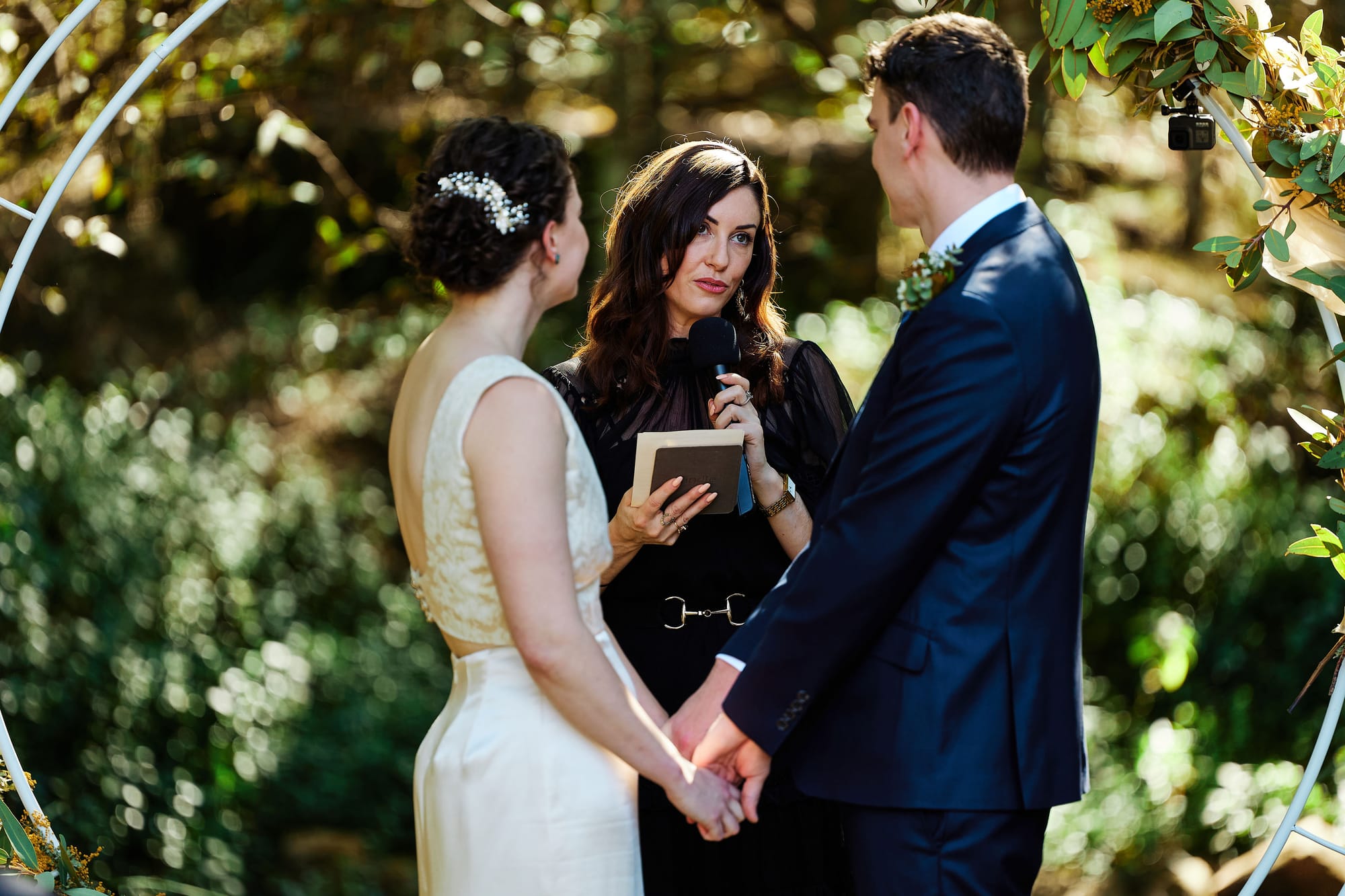
Built for a business where you are what gets booked
A caterer can take two Saturdays at once by hiring more staff. You cannot. What you sell is yourself, at one place, at one time, so every lead is the same question underneath: are you free at 3pm on the 14th? The celebrant who answers first, with a price, usually gets the booking.
The work around the ceremony has a legal edge. Documents have to be sighted, a notice has to be lodged in time, and the paperwork has to be registered after the day. A missed step is not a typo you can fix with an apology.
And the same week can hold a wedding, a naming ceremony and a funeral. One automatic reply does not suit all three. 1pm treats each kind of ceremony as its own lead type, with its own form, reply, terms and paperwork, so the right couple gets the right email and the grieving family gets you.
Built for celebrants and officiants who run weddings, elopements, vow renewals, commitment ceremonies, naming ceremonies, and funerals and memorials.
Answer the couple while you are at someone else's wedding
Couples fill in your form on a Saturday afternoon, which is exactly when you cannot reply. 1pm answers for you when the answer is yes, and keeps the whole conversation in one place for when you are back.
A lead type for each kind of ceremony
Set up Wedding, Elopement, Vow renewal, Naming ceremony and Memorial as separate lead types. Each one has its own form fields, its own reply, its own terms and its own paperwork. One page on your website can offer them all through a single form with a dropdown.
Help: Capturing leads with a formAuto Reply that checks you are free
Before 1pm replies to a new lead, it checks every booking you hold on that date. Give the form start and end times, and an 11am ceremony does not block a 3pm one. If you are already booked, nothing sends and you get a notification naming the clash.
Help: Auto Reply to new leadsEvery email with the couple in one thread
Reply from the Leads inbox, or answer the notification email from your phone between ceremonies, and it lands in the same thread. Save your usual replies as templates that fill in the first name, the type of ceremony and the date.
Help: Replying to leadsConsultation calls they book themselves
Publish a booking page with the times you take calls, and add its link to any reply with one button. Couples pick a slot, get a confirmation with a reschedule and cancel link, and the call never blocks a ceremony date.
Help: Appointments and the booking pageLock in the date, with the terms they agreed to
A date you have promised is a date you cannot sell again. The booking is not confirmed until the couple has agreed to your terms and paid.
Accept, agree and pay on one page
The couple accepts the quote, agrees to your terms by typing their name, and pays the deposit, all at one private link with no login. A second couple cannot accept a quote that clashes with a ceremony you already hold.
Help: Event confirmationsTerms that stay as they were agreed
Keep your agreement in a terms library, with shorter terms for a naming ceremony than a wedding. Every edit saves a new version, and each booking keeps the exact wording the couple agreed to, even after you change it.
Help: Your terms and conditions libraryChase the couple who stopped halfway
Automations can email a couple a set number of days after they accept a quote without signing, or sign without paying. Every client email waits 24 hours for you to check it before it sends.
Help: Chasing a lead that goes quietYour guides, always the current edition
Upload your pricing guide and ceremony planning guide to Files once, and attach them to replies and forms. Replace the file when next year's edition is ready, and everything that sends it sends the new one. The last 25 versions are kept.
Help: Where files liveThe legal paperwork, before and after the day
Identity documents to see, a notice to lodge in time, and paperwork to register once the ceremony is done. None of it can be left to memory.
Documents requested the moment they book
Save the list once as a request pack: uploads for identity documents, a choice between a legal and a symbolic ceremony, a drawn signature where you need one. Link the pack to the Wedding lead type, and every wedding booking asks the couple for it through their own link.
Help: Request packsTheir story, on the booking you write from
Ask how they met in a text box and tick Save the answer onto the booking. The answer lands in the booking's event brief, next to everything else you need for the script. Only the couple sees that question.
Help: The event briefYour checklist added on a schedule
Build an automation that runs a set number of days before each confirmed wedding and adds your saved checklist to the booking, such as lodging the notice. Add another that runs days after the ceremony, for registering it and sending the certificate.
Help: AutomationsEvery ceremony in your phone's calendar
Subscribe Google, Apple or Outlook Calendar to your bookings with one link. New and moved bookings appear on their own when your calendar next refreshes, next to the rest of your week.
Help: Syncing your calendarOne running order for the ceremony
Processional, welcome, reading, vows, rings, signing. The photographer, the musician and the venue coordinator all need to know when each one happens.
A live running order, no login
Share the ceremony timeline with each supplier by link. Each one sees the items that are theirs, and when you move the signing by ten minutes, every open link updates within seconds.
Help: Sharing the live linkThe couple sees it too
Give the couple their own link to the timeline from the lead, before they have paid you. It stops the "can you send the latest version?" emails, and it links back to their booking to pay the balance.
Help: Sharing the run of show with your clientStill works with no reception
Gardens, beaches and vineyards often have no signal. Open a supplier link once beforehand and the run of show still loads on the day. Items ticked off while offline sync when the connection returns.
Help: Working offline at the venueGet paid before you stand up
The fee, the deposit, travel, maybe a rehearsal. Sixty ceremonies a year is a lot of invoices to chase by hand.
Deposits, balances and card payments
Bill the deposit and the balance as separate invoices, and chase an overdue balance automatically. Take card payments through your own Stripe account with no platform fee, or record a bank transfer, and send invoices to Xero.
Help: Getting paidPay in full, or keep a card on file
Couples who would rather settle everything at once can choose to pay in full instead of the deposit. Others can tick to keep their card on file, so you can charge the balance without asking again.
Help: Deposits and balancesEverything on this page is on Professional
$20 a month, or $192 a year.
Someone helps with your admin? Each extra user is $4 a month.
Questions from celebrants
Yes. 1pm is booking software and a CRM for celebrants and officiants: it replies to couples on dates you are free, takes the deposit, collects the legal paperwork, keeps your terms and guides, and holds the ceremony run of show. It does not lodge marriage paperwork with a registry.
Yes. "Celebrant" is the word in Australia, New Zealand, the UK and Ireland, and "officiant" is the word in the US. It is the same job, and everything on this page applies.
No. 1pm collects the documents from the couple and adds your checklist to each booking so no step is missed. Lodging a notice and registering a marriage are still done by you, with the registry in your jurisdiction.
Yes. Auto Reply is switched on per lead type, and a new lead type starts with it off. Turn it on for weddings and elopements, and answer every memorial lead yourself.
No. Your bookings do not need a Space, and without one Auto Reply checks every booking you hold on the date. You only need a Space for the public booking page. Name it Consultations, then set Default Space to No default in your account profile, so new leads do not land in it.
No. The couple opens their quote, terms, requests and run of show from a private link, with no login and no password.
Yes, 30 days with every feature, and no credit card.
For a step-by-step setup, read how celebrants can automate their booking process using 1pm. Every feature is on the features page.
Book the date. Run the ceremony.
30-day free trial. No credit card.