
The event brief
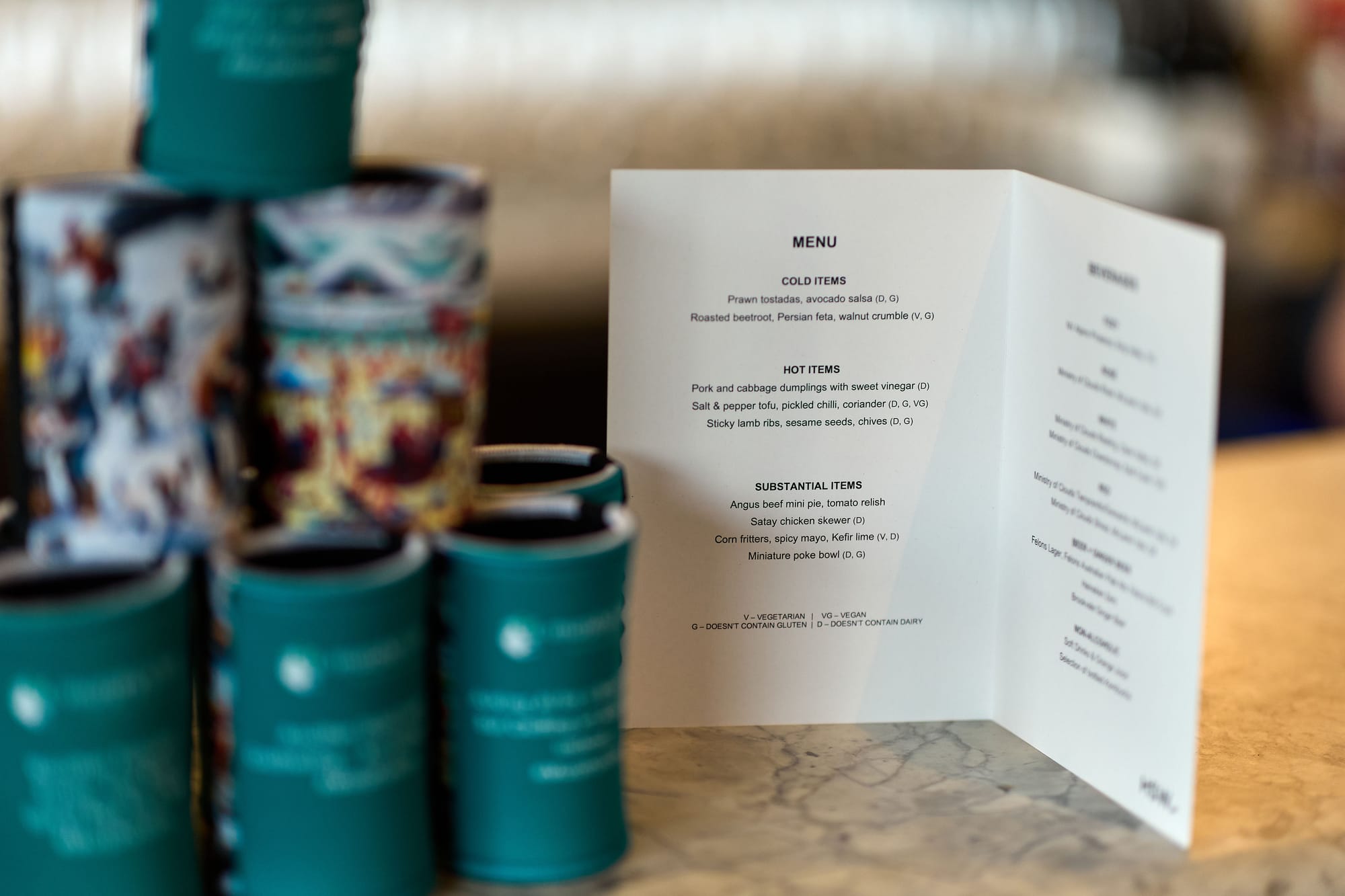
Every booking has two versions of itself. Yours is the BEO: pax, service style, access and vacate, the things the kitchen and the duty manager work from. The client's is looser and just as important. What they want the day to feel like, who is coming, the toast nobody must interrupt, the aunt who cannot be seated near the speakers.
That second version usually lives in an email thread, and on the morning of the event nobody can find it. The event brief is where it lives instead: the client writes it themselves, in their event portal, and it lands on the booking where you and the BEO can read it.
How the brief gets asked for
The brief is an ask, like every other request. You add it to a request pack, and applying that pack to a booking puts it on the booking.
- Open Requests, then Request packs, and open the pack you want it in.
- Add an ask. Call it whatever your clients will understand ("Tell us about your day", "Your brief for us"), and choose the kind Text.
- Open the ask. Tick Give them a big box to write in, and under Save the answer onto the booking, choose Event brief.
- Write a description that actually prompts them. A blank box headed "Your brief" gets a blank answer. See below for what to put in it.
That is the only way an event brief ask is created. It is set on a pack rather than typed onto one booking, which is deliberate: the brief is something you want on every wedding, not something to remember to add each time.
Once the pack is applied, the ask behaves like every other request on the booking. It counts toward the completion bar, it can be marked required, it appears in the response history, and it is chased by the same reminder emails. "Have you sent us your brief yet?" becomes the same question as "have you sent us your run sheet yet?", asked by the same machinery.
Only the client sees it
An ask that writes to the event is shown to one person: the booking's Client contact. Nobody else on the event can see it or answer it, including crew holding a share link.
That is not a nicety. Every other ask is scoped to whoever answers it, because a crew member updating their mobile number is updating their own record. The brief is not: there is one brief on the booking, so without the restriction the last crew member to answer would overwrite the client's words.
Two consequences worth knowing:
- No Client contact on the booking means nobody sees the ask. Not the crew, not anyone. Set the Client contact and it appears for them.
- It never counts against your crew. A crew member's checklist is complete without it, so nobody sits at "one item left" over a question they were never shown.
In the pack editor, Asked of reads Client and can't be changed while Event brief is picked, and the ask carries a Client badge in the pack and on the booking. Any other ask can be asked of the client with the same setting. See request packs.
What to put in the description
The description is the whole difference between a useful brief and an empty box. Ask for the things you actually act on:
Tell us about your day in your own words. What matters most to you, who is coming, anything we should know about the family, and anything you have seen elsewhere that you loved or hated. Do not worry about tidying it up.
That last sentence earns its place. Clients write less when they think they are filing a document.
Where the brief shows up
On the booking. A Client's brief panel on the event page, open by default, with their paragraph breaks intact. It appears only once there is a brief, so a booking whose client has not written one carries no empty box.
On the BEO and the printed sheet. The brief prints as the first block, above the venue's own fields. It leads on purpose: everything under it is your reading of the job, and reading the client's version first is how the two get checked against each other at the morning huddle.
You cannot edit their words
The brief is read-only on your side. You can read it everywhere it appears, and you cannot change it.
If something in it is wrong or needs pinning down, take it up with the client and let them update their answer, or write your own note on the booking. Editing their words in place would leave the client looking at one version in their portal while the BEO printed another, and a disagreement about the brief is a conversation to have, not a field to overwrite.
Related articles
- Request packs covers the pack the brief ask lives in, and how a pack reaches a booking.
- Your booking portal and your event portal covers the portal the client writes it in.
- Event details and the briefing covers your own briefing fields, which the brief sits alongside.
- The BEO or function sheet covers the sheet the brief prints at the top of.
- Asking crew for documents and info covers requests in general, and every setting the brief ask inherits.